About the Project
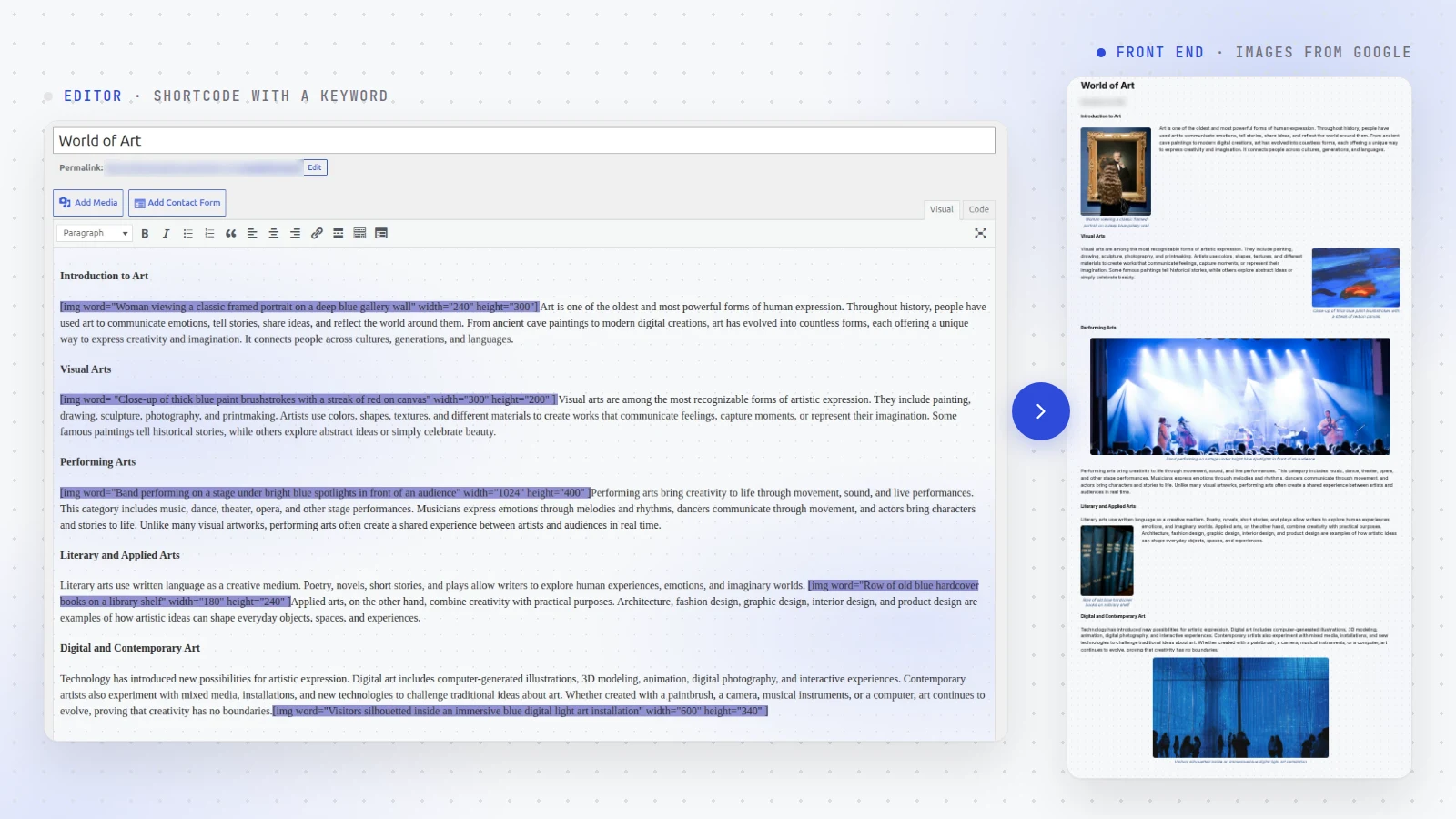
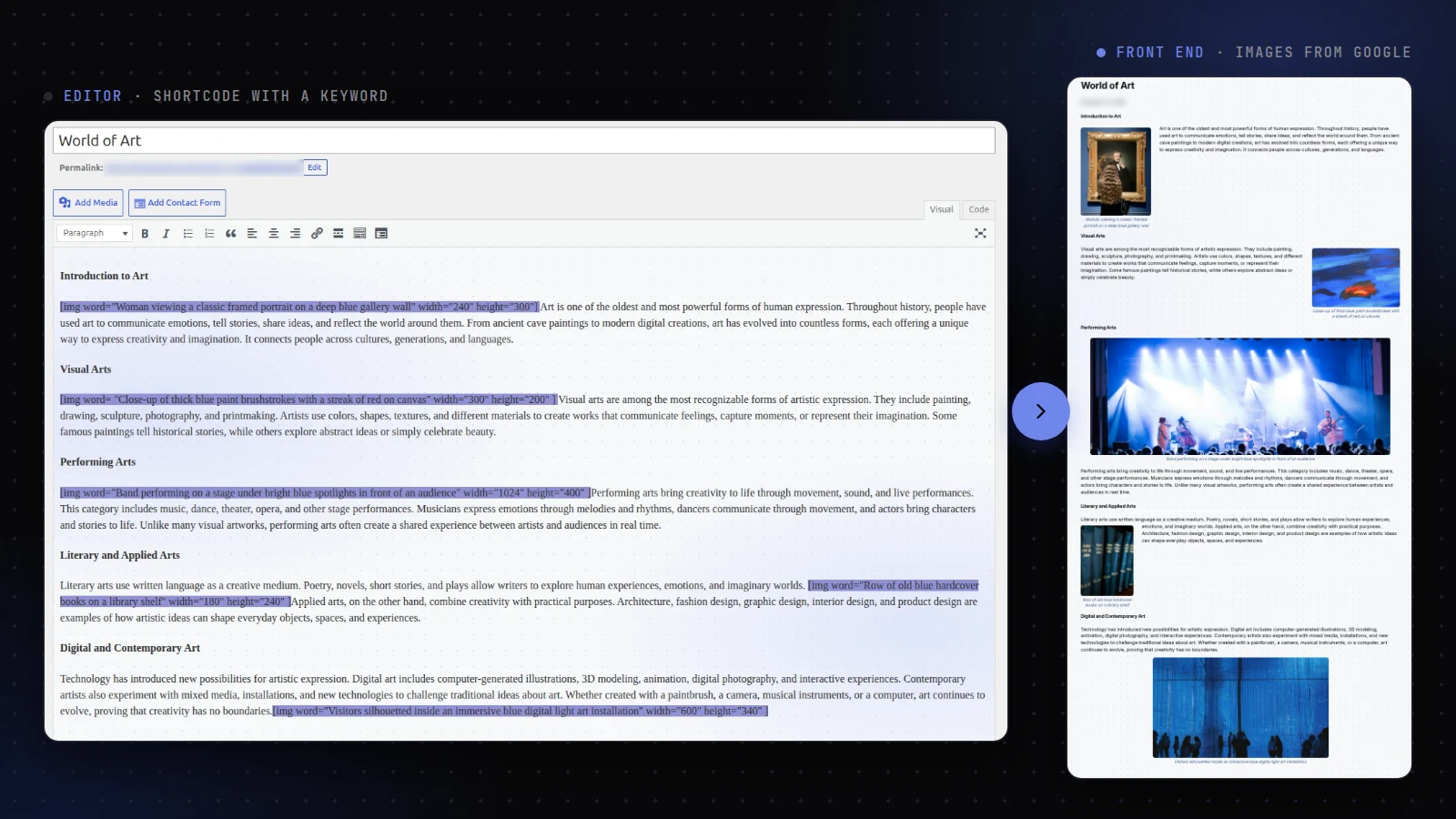
Google Image Grabber is a WordPress plugin I built on a client’s request. It lets an editor insert a shortcode with a keyword, and the plugin finds a matching image on Google.
In the main mode, Image Saver, the image is downloaded to the server, cached, and renamed after the keyword. The post then points to the local copy, so the image stays even if the plugin is removed. An added Link Saver feature writes a link to the Google result instead, so no file is stored locally. The shortcode accepts a keyword, a result number, width, height and alt text. The plugin is designed not to break other shortcodes or plugins.
Problem
Editors wanted relevant images in posts without searching for each one by hand. The client also needed the images to stay visible after the plugin was deactivated, and they needed the same keyword to be able to produce different images.
Role
Solo developer. I handled the full cycle: requirement refinement with the client, design, implementation, deployment, live debugging on the client’s test site, documentation, and post-delivery support.
Stack
Outcome
FAQ
How do I use it?
Add a shortcode such as [img word="books of india" number="2" width="500" height="300" alt="Books of India"] to a post.
What happens if I deactivate the plugin?
In Image Saver, the post already holds the local image link, so the image stays. In Link Saver, the post holds the Google result link.
Can one keyword give different images?
Yes. The number parameter selects which result to use.
Is the image downloaded again on every visit?
No. Image Saver checks for an existing file before downloading.
Does it need an API key?
Yes. The settings page links to a Google sign-up page.
Does it still work with Google today?
It is a 2012 build, made for Google's AJAX Search API as it worked at the time.